

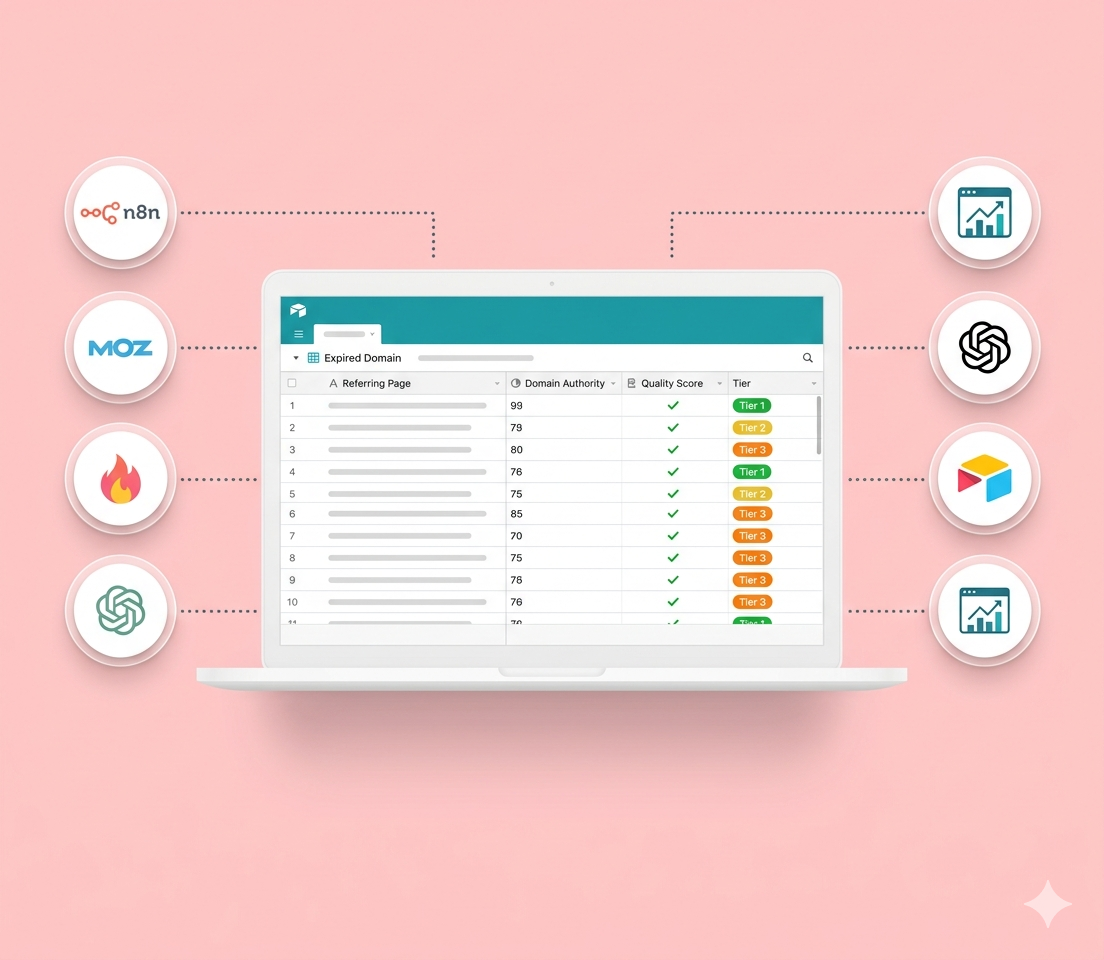

Finding good expired domains for a PBN used to mean hours of manual work — pulling backlink data, eyeballing domain authority scores, trying to figure out whether a domain’s links were actually editorial or just directory spam. I built an n8n automation that does all of that end to end, using Moz for backlink data, Firecrawl for scraping, and GPT-4.1 for quality classification.
Here’s exactly how it works.
The Problem With Raw DA Scores
Most expired domain tools show you a DA and a backlink count and call it a day. But DA alone doesn’t tell you what actually matters: why does this domain have authority? Is it because the New York Times cited it in an editorial, or because someone spammed it into 200 directories in 2011?
Two domains can both have a DA of 65. One has 8 tier-1 editorial links from real publications. The other has 40 directory submissions and a handful of forum comments. For PBN purposes, those are completely different assets — but they look identical in a raw DA lookup.
This workflow solves that by actually looking at each backlink source, understanding what kind of content it is, and scoring accordingly.
The Two-Workflow Architecture
The system runs as two linked n8n workflows. The first is the orchestrator — it watches for new domains, fetches their backlink profiles, and fans out to the second workflow for detailed analysis. The second workflow handles the heavy lifting: scraping, AI classification, scoring, and saving to Airtable.
Workflow 1: The Orchestrator
Step 1 — Watch for New Domains
A Google Sheets trigger polls a spreadsheet called “Expiring Domains” every 8 hours. When a new row is added, the workflow kicks off. Each row is a domain I’m considering — typically pulled from an expiring domain marketplace or a drop list.
Step 2 — Pull the Backlink Profile from Moz
For each domain, the workflow hits the Moz Links API (/v2/linking_root_domains) and pulls up to 50 referring domains, sorted by source Domain Authority. This gives a picture of who is linking to the domain and how authoritative those linkers are.
Step 3 — Filter for High-Authority Referring Domains
A JavaScript node filters the Moz results down to referring domains with DA > 80. I’m calling these HARD — High Authority Referring Domains. It calculates the count and percentage, and carries all the original sheet data forward.
There’s an IF node after this that acts as a gate. Right now it’s set to highDACount >= 0, which lets everything through. But if I only wanted to pursue domains that have at least 3 high-DA backlinks, I’d change that threshold here.
Step 4 — Get the Specific Backlink URLs
For each high-DA referring domain, the workflow calls Moz’s /v2/links endpoint to get the actual page URL — not just the root domain, but the specific page that contains the link to the target. This is what gets scraped in the next workflow.
Step 5 — Hand Off to the Analyzer
Each backlink gets passed to Workflow 2 via an Execute Workflow node. The payload includes the target domain and the full backlink metadata from Moz.
Workflow 2: The Analyzer
This sub-workflow receives one backlink at a time and puts it through a full analysis pipeline.
Step 1 — Scrape the Source Page
Firecrawl scrapes the referring page and returns the full content as clean markdown. The node is set to continue on error, so a dead page or timeout doesn’t kill the entire run.
Step 2 — Handle Scraping Failures
A JavaScript node checks the scraped output for three outcomes:
- Scraping failed — Firecrawl returned an error or no data
- Insufficient content — The page returned less than 100 characters, or contains “404” / “Page not found” strings
- Success — Full markdown content ready for analysis
Failed and insufficient pages get flagged with a skip_reason and a mock tier-9 classification so they still flow through the pipeline without breaking anything. Successful pages move forward.
Step 3 — Extract and Prepare Content
Before handing content to AI, a JavaScript node does some targeted extraction:
- Pulls all H1 and H2 headings
- Uses regex to find every link on the page pointing to the target domain
- Identifies paragraphs that contain those links (the surrounding context)
This gives the AI models focused signal rather than forcing them to process 50KB of boilerplate navigation and footer text.
Step 4 — Content Analysis (GPT-4.1, First Pass)
The first AI call classifies the page type and editorial quality. The system prompt:
You are a web content analyzer for SEO backlink evaluation. Analyze the
provided page and classify its type and editorial nature.

OUTPUT FORMAT: Always respond with valid JSON only:
{
  "page_type": "editorial|guest_post|resource_page|directory|author_bio|comment|press_release",
  "content_quality": "high|medium|low",
  "is_editorial": true/false,
  "confidence": 0.85,
  "reasoning": "Brief explanation"
}
The model sees the domain, URL, page title, anchor text, and the full markdown content. It outputs structured JSON every time.
Step 5 — Tier Classification (GPT-4.1, Second Pass)
The second AI call takes the content analysis output and assigns a tier from 1–9:
| Tier | Link Type |
|---|---|
| 1 | Editorial from major news outlets |
| 2 | Editorial from .edu / .gov |
| 3 | Editorial from industry authorities |
| 4 | Resource pages on .edu / .gov |
| 5 | Guest posts on authority sites |
| 6 | Author bios on authority sites |
| 7 | Directory listings on authority sites |
| 8 | Press releases from major outlets |
| 9 | Comments / forums on authority sites |
The model also receives the domain’s DA and spam score from Moz, so it has the full picture when making the call. Output is JSON: tier number, tier name, confidence, reasoning, authority signals, and risk factors.
Step 6 — Score Calculation
A JavaScript node combines everything into a final score:
score = tier_points × (domain_authority / 100) × nofollow_modifier
Tier points are weighted heavily toward editorial content:
| Tier | Points |
|---|---|
| 1 | 100 |
| 2 | 90 |
| 3 | 80 |
| 4 | 75 |
| 5 | 60 |
| 6 | 50 |
| 7 | 35 |
| 8 | 25 |
| 9 | 15 |
Nofollow links get a 0.5× modifier.
So a tier-3 editorial link (80 points) from a DA-70 domain scores 80 × 0.70 × 1.0 = 56. A tier-9 forum comment (15 points) from that same domain scores 15 × 0.70 × 1.0 = 10.5.
This is the key differentiation. Two domains with identical DA profiles can score very differently once you factor in link quality.
Step 7 — Aggregate and Save
Once all backlinks for a domain have been processed, an aggregation node builds the final domain report:
- Domain score — average across all scored backlinks
- Tier distribution — count of tier-1 through tier-9 links
- Summary stats — highest/lowest individual scores, average DA, follow vs. nofollow count, editorial link count, and a skip rate showing how many pages couldn’t be scraped
This report gets written to two Airtable tables:
- Exp Dom — one row per domain, with the aggregate score and tier breakdown for sorting and filtering
- Backlinks — one row per individual analyzed backlink, linked to its parent domain for deep-dive review
What the Output Looks Like in Practice
After the workflow runs, Airtable has two clean tables. In the Exp Dom table, I can sort by domain_score descending and immediately see which expired domains have the most valuable link profiles.
A domain with a score of 58 made up of three tier-2 and four tier-3 links is a completely different prospect than a domain with a score of 12 built on forum spam — even if both show a DA of 45 in the marketplace listing.
The Backlinks table lets me drill into any specific domain and see exactly what’s backing its authority, which page each link comes from, and whether the AI was confident in its classification.
The Stack
| Tool | Role |
|---|---|
| n8n | Workflow automation |
| Moz Links API | Backlink and domain authority data |
| Firecrawl | Page scraping to clean markdown |
| GPT-4.1 | Content classification + tier assignment |
| Airtable | Results storage |
| Google Sheets | Input list of domains to evaluate |
What I’d Change
The DA > 80 filter is aggressive. A lot of solid domains have backlinks in the 50–80 range that are still worth evaluating. I’ll likely lower that threshold or make it configurable per run.
The nofollow 0.5× penalty might be too punishing. A nofollow editorial link from a major publication is still a relevance signal worth understanding, even if it passes no PageRank. I’m considering splitting the score into a “link equity score” and a “topical authority score” to separate those two signals.
Two AI calls adds latency. For high-volume runs it might make sense to collapse content analysis and tier classification into a single prompt.
The full workflow JSON for both workflows is on GitHub — you can import them directly into your own n8n instance.
github.com/ahndee-p/expired-domain-analyzer
You’ll need a Moz API token, a Firecrawl account, an OpenAI API key, and Airtable credentials to run it.