
AI Automation
AI-Scored Expired Domain Analyzer
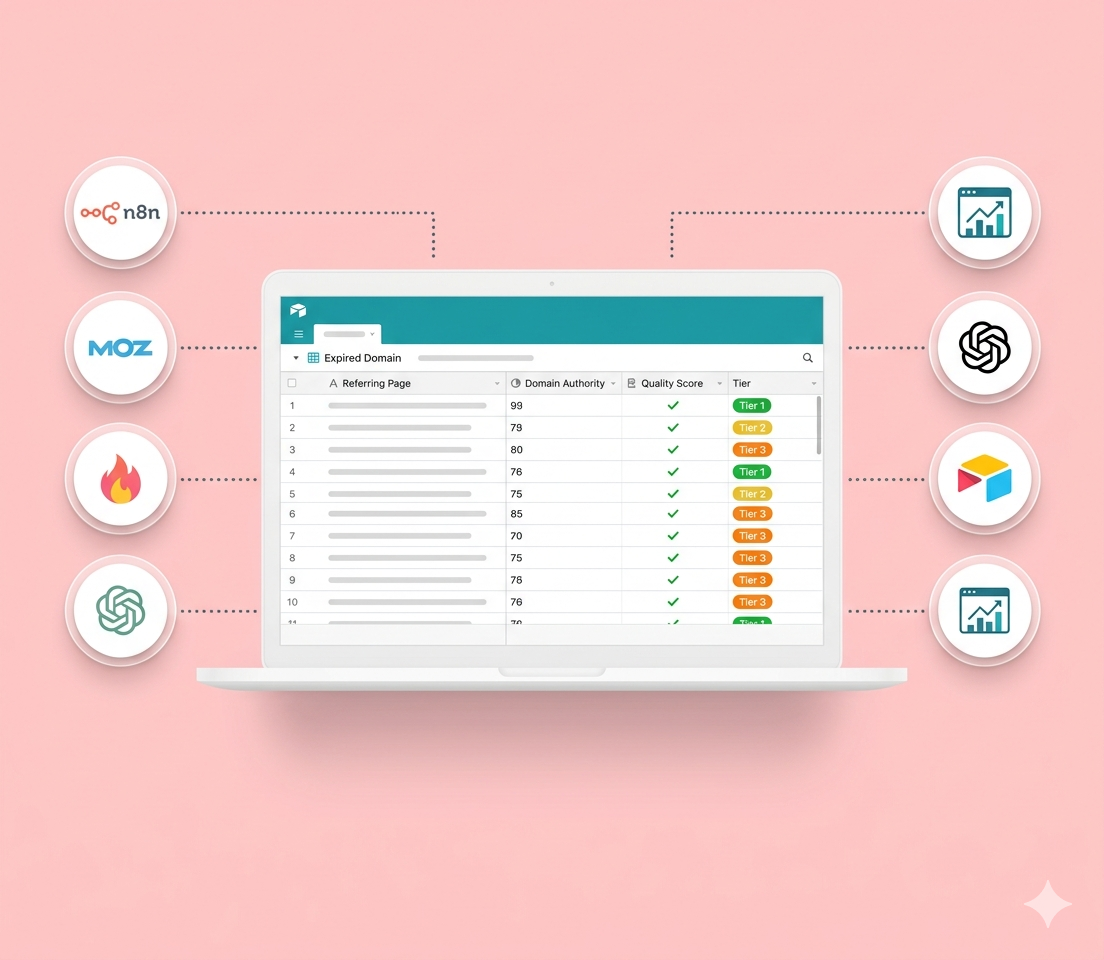
A two-workflow n8n system that uses Moz, Firecrawl, and GPT-4.1 to classify expired domain backlinks by editorial quality — so DA scores actually mean something.

How I replaced a chaotic, multi-spreadsheet operation with a centralized Airtable system — relational databases, role-based views, and automations that scale across a 150+ site network.
A client was running a large-scale content operation — a network of 150+ sites in an extremely competitive niche — and trying to manage the whole thing with a pile of disconnected spreadsheets. As they put it, it had become a chaotic, jumbled mess. I rebuilt it into a smooth, scalable marketing machine.
The specifics of their niche don’t matter much. Any marketing operation with repeatable processes, multiple team members, and complex interconnected workflows hits the exact same wall — and this is how I tore it down.
Running the network meant coordinating five interlocking stages across hundreds of properties:
Now picture coordinating all of that across hundreds of properties and multiple teammates using nothing but spreadsheets. It broke down in five predictable ways.
It wasn’t just inefficient — it was unsustainable. So I didn’t “switch them to Airtable.” I redesigned the entire operational system from the ground up.
A relational database architecture. Instead of five isolated spreadsheets, a set of interconnected tables with a central Domains hub linked to Backlinks, Team Members, Tasks, and more. Real relationships (one domain → many backlinks; one task → many people) mean a single update propagates everywhere — change a hosting provider once and it’s correct in every view, task, and report that references it.
Custom views for every role. Same data, displayed for the job at hand. A setup view exposing only setup-relevant fields. A manager’s content-pipeline view showing exactly which sites need content and what stage they’re in. A permission-gated QA dashboard sorted by priority. A team-workload view showing who’s overloaded and who has capacity. Everyone sees their slice instead of staring at one giant sheet.
Centralized communication. Every domain became a record with a full history — comments, @-mentions, attached screenshots and docs, and a complete timeline. “Why did we set it up this way?” is now answered in the record, not by digging through Slack.
Automated workflows — the part I’m proudest of. The dashboard orchestrates the rest of the stack:
The operation went from an hour-long scavenger hunt for basic answers to real-time visibility, a single source of truth, and recurring busywork collapsed into one-click (or zero-click) automations. The team got their time back for strategy — and the system held up as the network scaled past 150 sites.
The pattern travels: relational data, role-based views, centralized context, and automation-first design will fix almost any marketing operation that’s outgrown its spreadsheets. If that sounds like your team, this is the kind of system I build.
A two-workflow n8n system that uses Moz, Firecrawl, and GPT-4.1 to classify expired domain backlinks by editorial quality — so DA scores actually mean something.